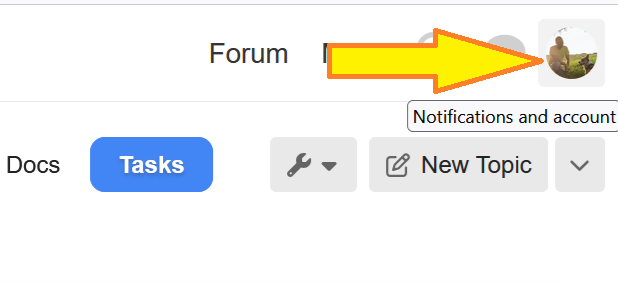
- Click the circle in the top right corner, where your profile pic will appear.
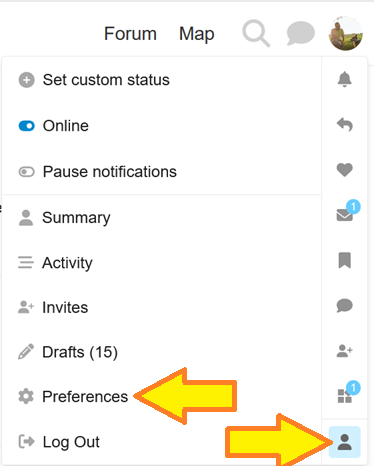
- Click the profile icon at the bottom and then click ‘preferences’
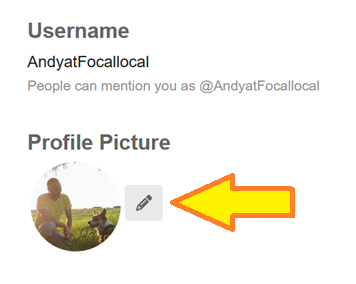
- Click the little pencil and add your photo (or choose to use the external Gravitar multi-site avatar service)